ovvy Клиент для VPN-подписок любого провайдера A client for VPN subscriptions from any provider
Вставьте ссылку подписки или отсканируйте QR-код. ovvy загрузит серверы, покажет пинг и подключит в одно касание. Paste a subscription link or scan a QR code. ovvy loads the servers, shows their ping and connects in one tap.
Если Windows покажет «Система Windows защитила ваш компьютер», нажмите «Подробнее» → «Выполнить в любом случае».If Windows shows “Windows protected your PC”, click More info → Run anyway.
ovvy открывает подписку так, как её настроил провайдер. Серверы, балансировщики, маршруты и DNS из панели работают сразу, без ручной настройки.
ovvy opens your subscription the way your provider set it up. Servers, balancers, routes and DNS from the panel work right away, with no manual setup.
Ничего лишнего.Nothing extra.
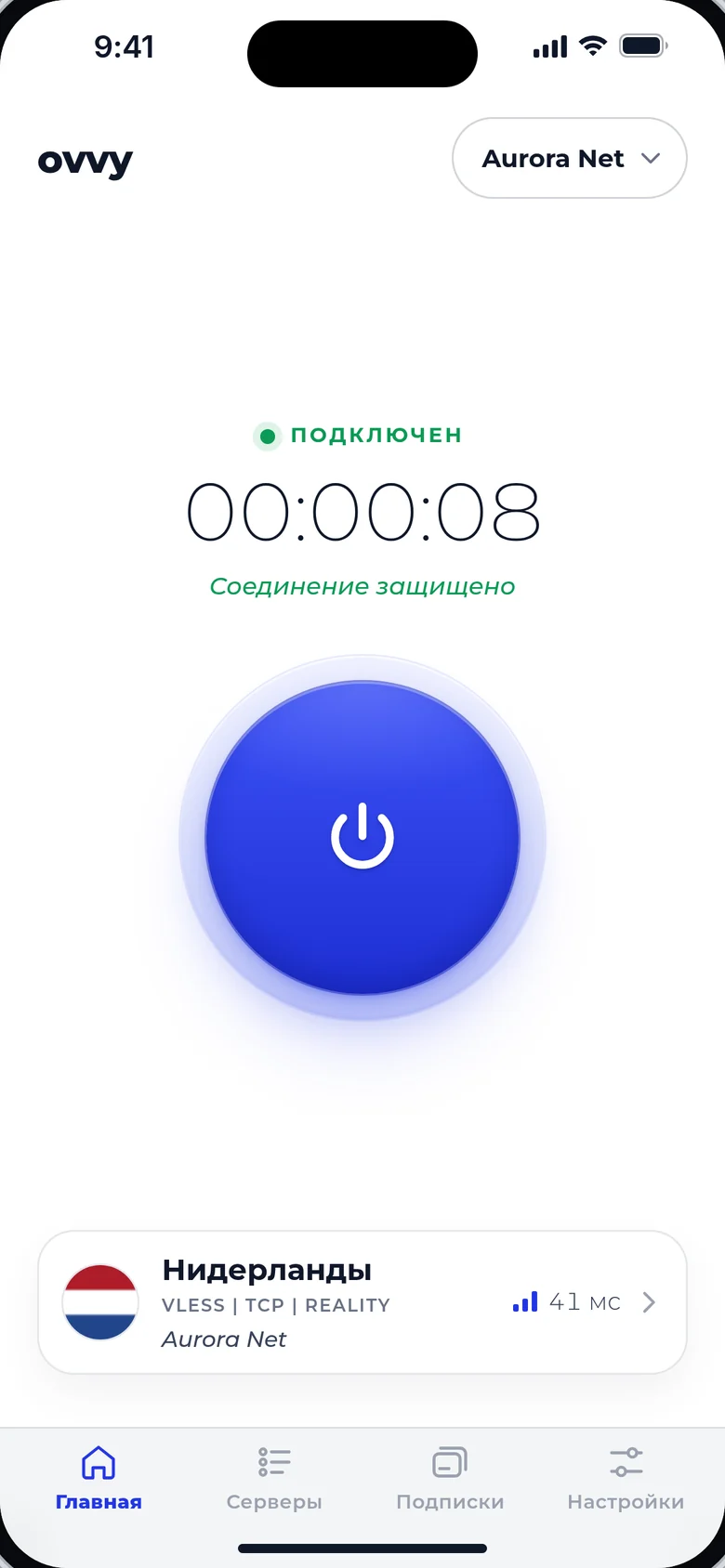
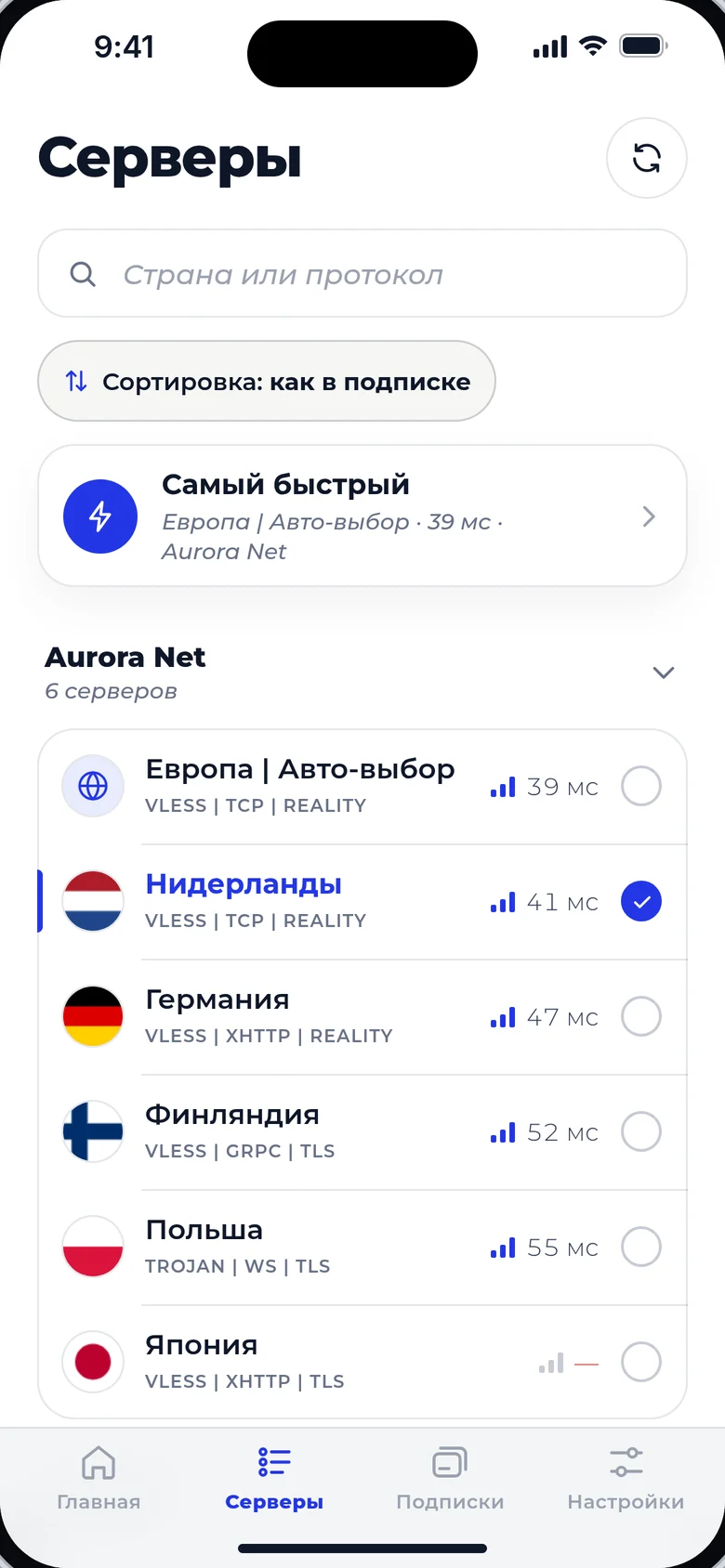
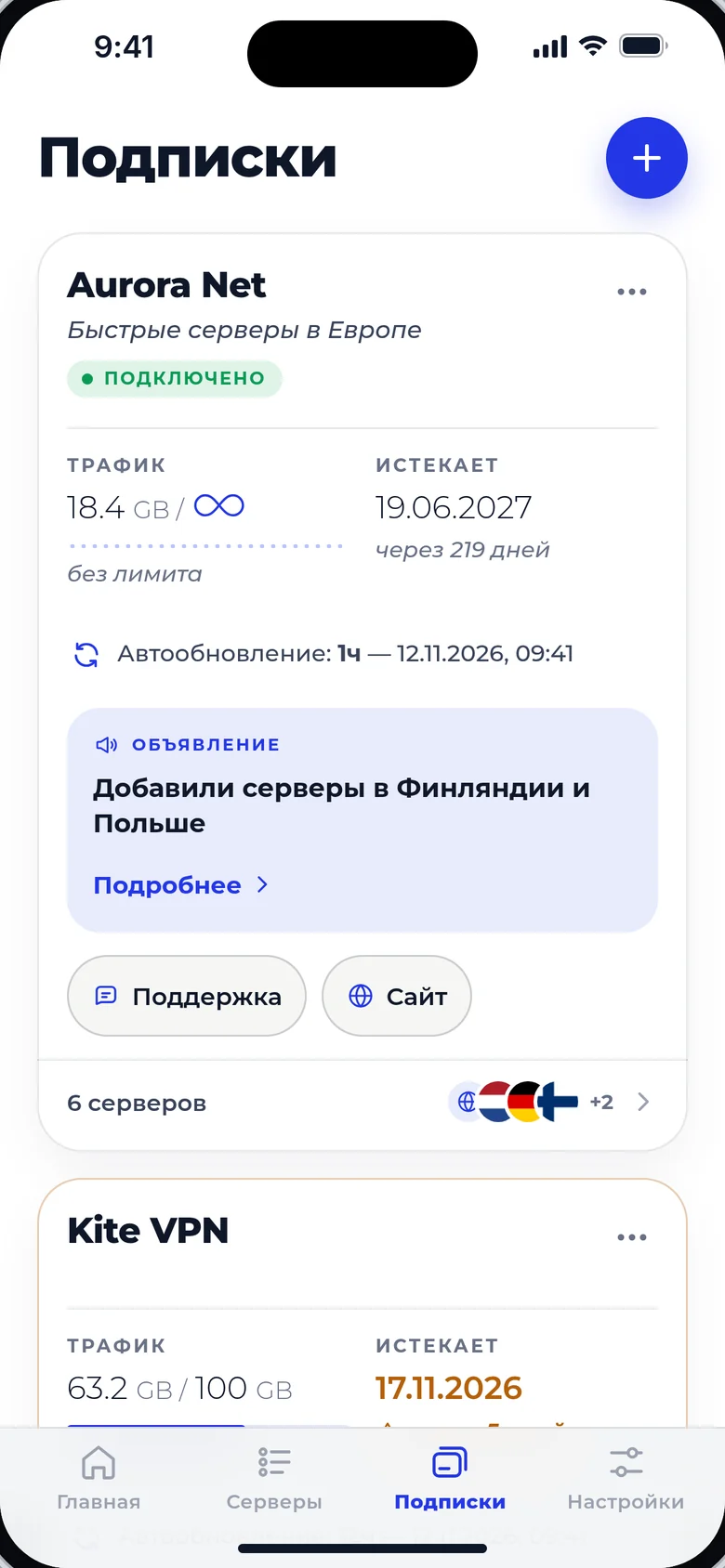
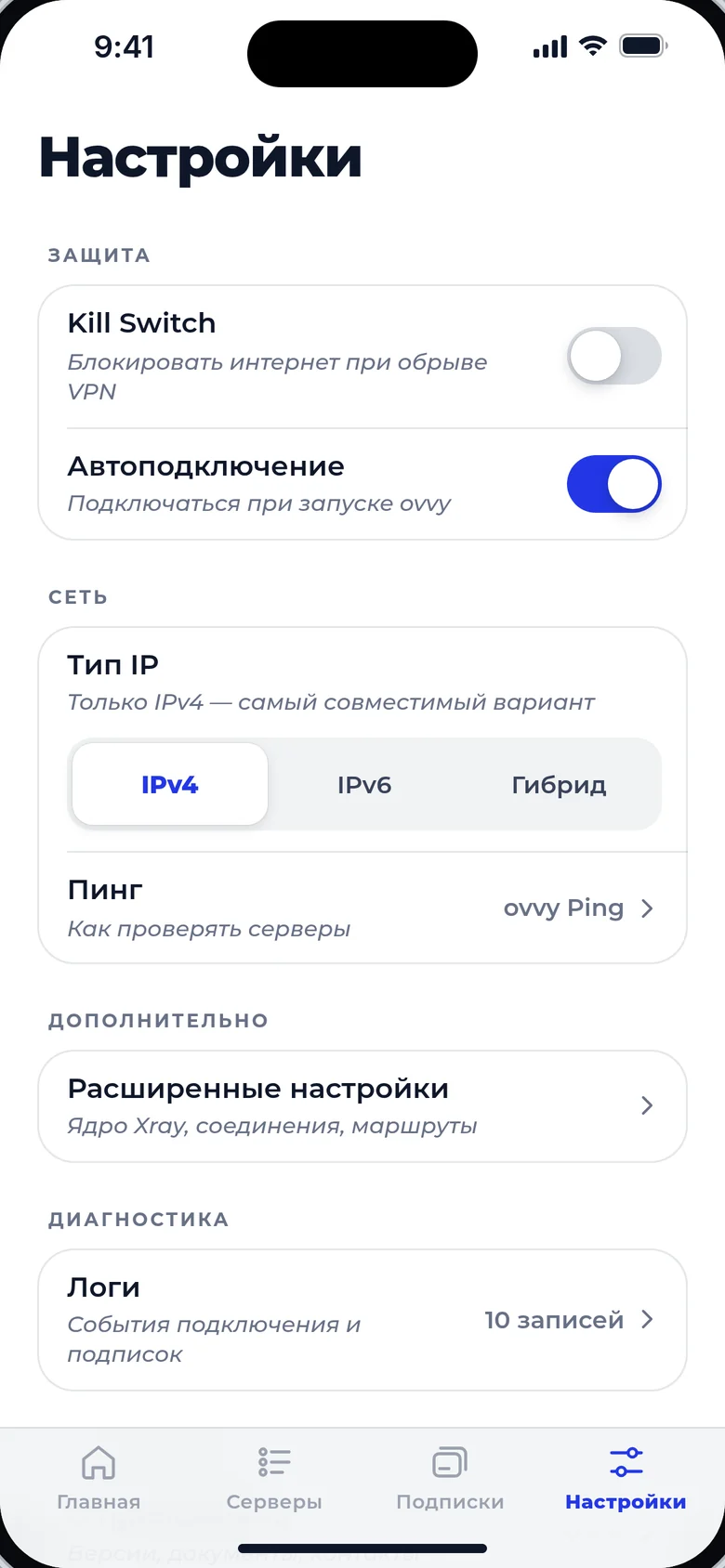
Четыре вкладки: главная с кнопкой подключения, серверы, подписки и настройки.Four tabs: home with the connect button, servers, subscriptions and settings.
Скачать ovvyDownload ovvy
Бесплатно. Новые версии приходят прямо в приложении, подписки и настройки сохраняются.Free. New versions arrive right in the app, and your subscriptions and settings are kept.
Для провайдеровFor providers
ovvy открывает подписки Remnawave, Marzban и 3x-ui без настройки на вашей стороне. Стандартные заголовки подписки задают, что клиент увидит в карточке.ovvy opens Remnawave, Marzban and 3x-ui subscriptions with no setup on your side. Standard subscription headers set what users see on the card.
Кнопка «Добавить в ovvy»An “Add to ovvy” button
Поставьте ссылку на сайте или в боте: ovvy откроется и добавит подписку.Put this link on your site or in your bot: ovvy opens and adds the subscription.
ovvy://add/https://sub.example.com/a1b2c3
Лимит устройствDevice limit
С запросом подписки ovvy передаёт идентификатор устройства, поэтому лимит устройств в Remnawave работает.ovvy sends a device identifier with the subscription request, so Remnawave device limits work.
x-hwid: 6f1c…9a42
x-device-os: Android
x-ver-os: 15
x-device-model: Pixel 9
Заголовки подпискиSubscription headers
| ЗаголовокHeader | Что показывает ovvyWhat ovvy shows |
|---|---|
profile-title | Название подпискиSubscription name |
subscription-userinfo | Трафик и дату окончанияTraffic and expiry date |
profile-update-interval | Интервал автообновления, в часахAuto-update interval, in hours |
support-url | Кнопку «Поддержка»The Support button |
profile-web-page-url | Кнопку «Сайт»The Website button |
announce | Объявление в карточкеAn announcement on the card |
Вопросы по интеграции: hi@ovvy.ccIntegration questions: hi@ovvy.cc